Testing Connectivity
Step 1. Test the connectivity between namespaces h1 and h2 using the ping command.:
ip netns exec h1 ping 192.168.10.2 -c 4
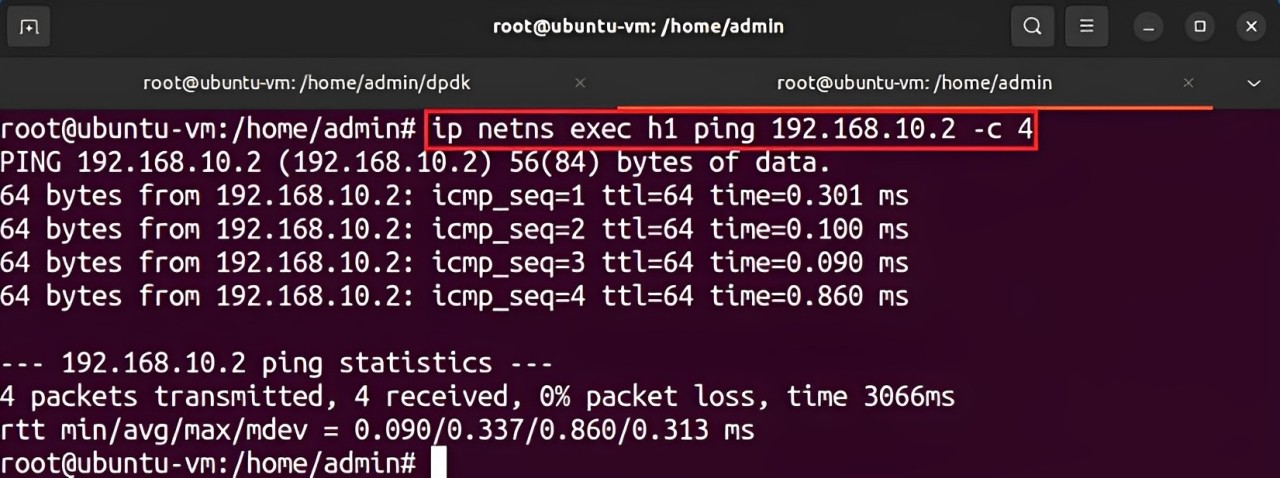
Figure 40: Output of the ping command.
The figure shows successful connectivity between two namespaces.
Step 2. Switch back to the terminal tab in which the DPDK pipeline is running.

Figure 41: Switching terminal tabs.
The logs in the terminal correspond to the code executed for packet processing.
Step 1. Stop the DPDK pipeline by pressing ctrl+c.
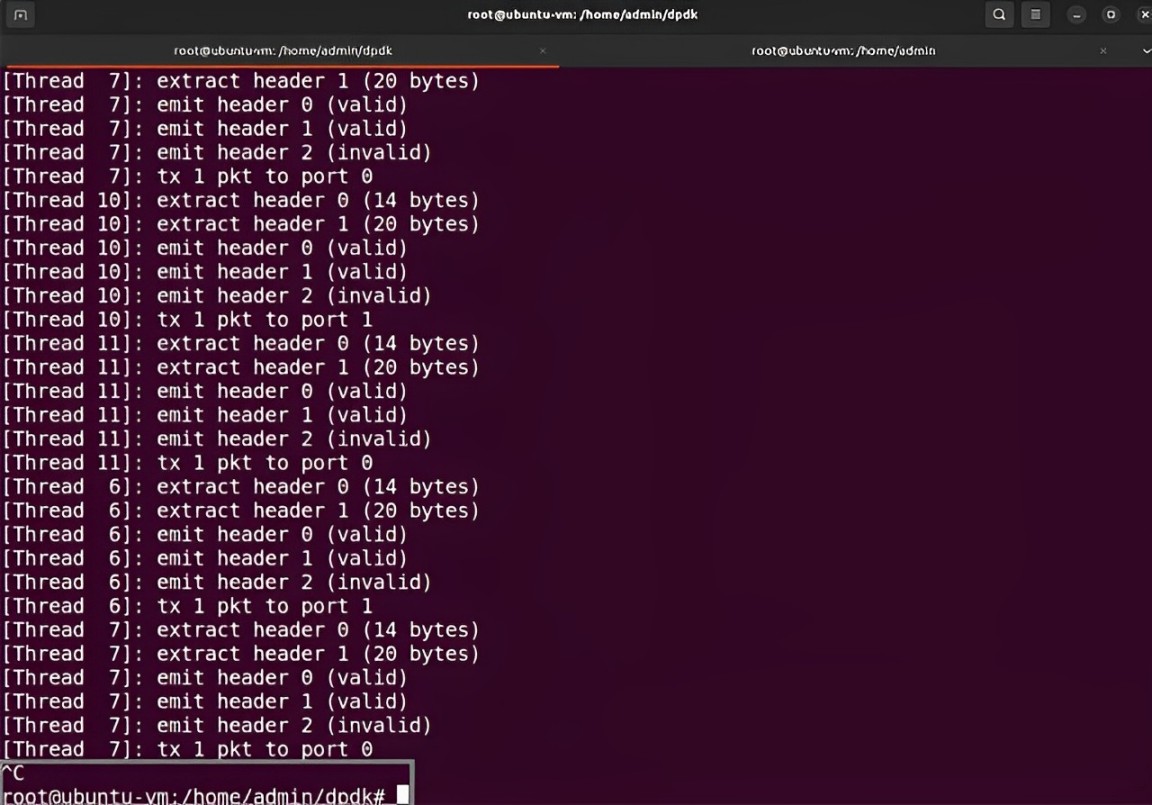
Figure 42: Stopping the DPDK pipeline.
This concludes Lab 1. You can now end your reservation.